Clients today expect transparency. They want real-time access to project statuses, support tickets, documents, and timelines. At the same time, your internal teams are tired of replying to constant update requests and chasing down files.
With Zoho CRM Plus, you can solve both problems at once. This all-in-one suite transforms your CRM into a collaborative workspace that connects your clients and your team. With features such as client portals, workflow automation, custom modules, and document sharing, you can deliver a premium client experience while maintaining internal organization and efficiency.
Here’s how to make it happen.
Why Zoho CRM Plus is More Than Just a CRM?
Zoho CRM Plus combines CRM with powerful tools from across the Zoho ecosystem. It’s built for businesses that want more than just data storage. They want collaboration, automation, and visibility.

From support ticket tracking and project collaboration to branded client portals and automated workflows, CRM Plus brings everything under one roof. What sets it apart is that it doesn’t just help sales or support teams. It also connects clients directly into the workflow.
Client Portals: Give Clients Self-Service Access
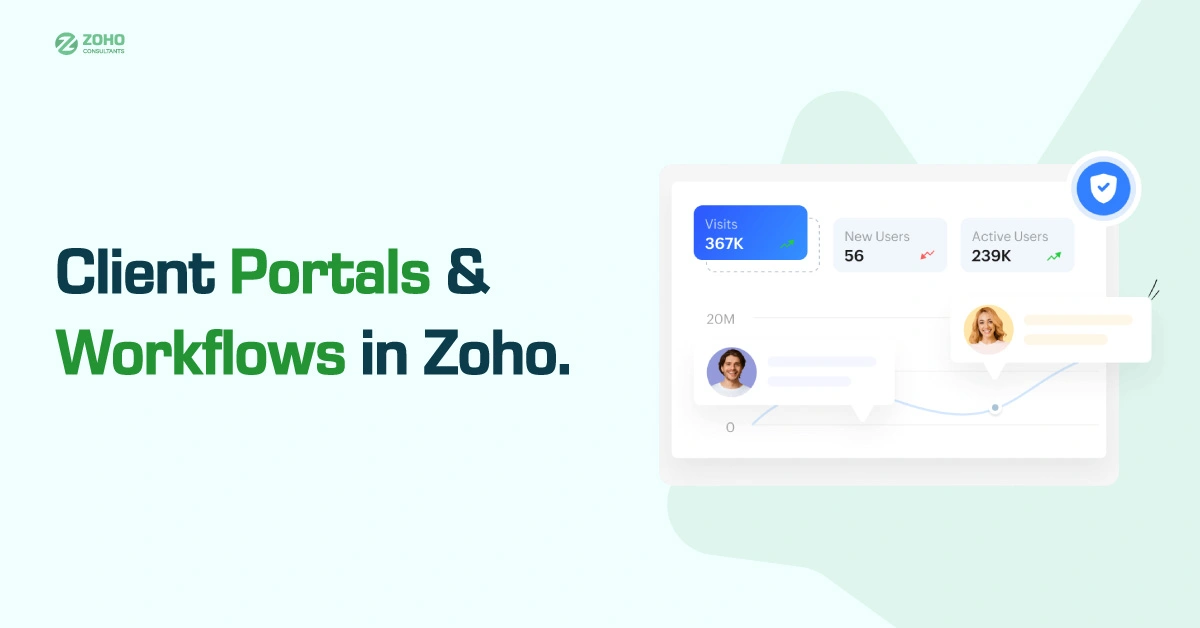
Client portals in Zoho CRM Plus allow you to create a secure, branded space where your clients can log in and view relevant data. Instead of sending email updates or spreadsheets, your clients can log in and check the latest status themselves.
You can grant portal users access to support tickets, deals or proposals, forms, uploaded documents, and even custom modules, such as “Projects” or “Onboarding Steps.”
This helps reduce email volume, improve transparency, and build trust with your clients. You stay in control by setting permission levels for what each user can view or edit.
For example, a marketing agency can give clients access to campaign progress reports, feedback forms, and content calendars. A law firm can share case documents and court dates with its clients. An IT company can show open service requests and contract details.
Workflow Automation: Trigger Actions Based on Client Activity
Portals aren’t just for viewing data. With workflow automation in Zoho CRM Plus, you can trigger internal or external actions when a client takes action in the portal.
For example, when a client submits a feedback form, the system can assign it to an account manager and notify the team. If a customer uploads a signed agreement, CRM Plus can change the deal stage to “Won” and create an onboarding task list. If a support ticket is marked as “Urgent,” an escalation rule can automatically notify a senior manager.
These workflows save time and reduce errors by eliminating manual steps. Your team is notified in real-time, and clients receive instant responses or confirmations without needing to wait for a human reply.
Document Sharing: Secure File Exchange Made Easy
File sharing is another place where Zoho CRM Plus shines. Through the client portal or as part of a workflow, you can securely share documents with customers and receive uploads in return.
This includes contracts, project briefs, design files, reports, proposals, or onboarding documents.
Each document exchange can be branded with your logo and business identity. Files are stored in the system, connected to the relevant deal, contact, or custom module record.
Unlike email attachments or third-party links, CRM Plus provides a centralized and trackable environment. You’ll know when files are sent, opened, or downloaded. You’ll never lose a critical document again.
Custom Modules: Build Tools Around Your Business Model
Most CRMs limit you to contacts, deals, and tasks. Zoho CRM Plus enables you to create custom modules tailored to your specific business workflows.
You can create objects like Projects, Renewals, Campaigns, Events, Shipments, Legal Cases, or Onboarding Checklists.
Each custom module can have its fields, views, permissions, workflows, and connections to other records. You can then expose these modules in your client portal to keep customers informed on their specific use cases.
For example, a consulting firm might create a Strategy Plan module. A SaaS business might build Subscription Renewals to track contracts. An education company could manage Student Progress in a custom dashboard. Zoho’s low-code builder enables this flexibility without requiring developers.
How to Set Up a Client Portal in Zoho CRM Plus?
Setting up a portal in CRM Plus is simple and can be done in just a few steps.
First, decide which modules or data your client needs access to. This could include support tickets, deals, forms, or a custom object, such as Projects. Then, navigate to the Portals section in your CRM settings.
Next, configure user access by email, set up custom views, and define permissions for view-only, edit, or submit actions. You can add branding elements, such as your logo and company color palette, to match your identity.
Once the portal is ready, invite clients via email. They’ll receive login credentials and access only to the records and fields you allow.
Portals are mobile-friendly by default and can be used across devices. This makes it easy for clients to check updates on the go.
How do Workflows Connect the Experience?
When you connect portals to workflows, you unlock true automation.
Let’s say a client uploads a document inside the portal. A workflow can immediately send a confirmation email to the client, create a task for the project manager, notify the legal team, and tag the deal as ‘In Review’.
Similarly, when a form is submitted, it can automatically trigger the next step in a sequence. This could mean moving a lead to a new stage, sending a payment link, or creating a support ticket. These automations transform Zoho CRM Plus into a responsive, client-facing system, rather than just a backend database.
Benefits of Portals and Workflows for Your Business
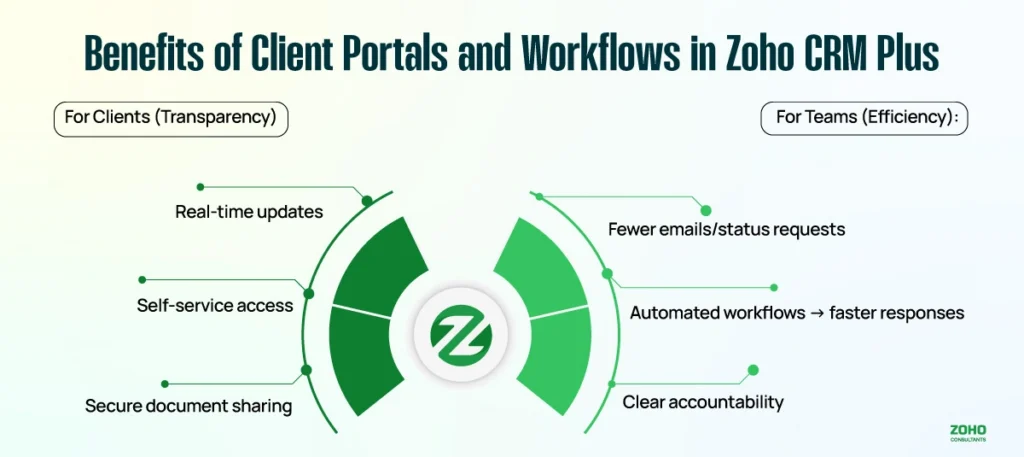
Giving clients portal access reduces your team’s workload. You’ll see fewer status update requests and fewer back-and-forth emails. Your clients will also feel more confident and in control because they can check their progress at any time.
Internally, your team becomes more efficient with workflows that automate routine steps. This leads to faster response times, clear accountability, higher client satisfaction, and reduced time spent on administrative work. It’s a win for both sides of the relationship.
Use Case Examples by Industry
Agencies can use client portals to share content calendars, project timelines, and creative drafts. Clients can approve assets, leave comments, or submit requests without waiting for email chains.
Law firms can provide clients with real-time access to case files, court schedules, and document uploads, all of which are secured and organized by case.
Real estate brokers can share listings, contracts, and transaction timelines in a centralized space that buyers and sellers can access at any time.
Tech companies can automate onboarding for new clients, track support issues, and manage renewals with connected workflows and visible records.
Turn Your CRM Into a Collaborative Platform
Zoho CRM Plus is more than just a tool to track deals. It’s a platform that enables collaboration with your clients, automates communication, and allows you to build custom workflows tailored to your specific business needs.
By combining client portals, workflow automation, document sharing, and custom modules, you create an environment where your clients are informed and your team stays productive.
When your CRM becomes a place where clients can engage directly and actions happen automatically, you’re no longer just managing relationships. You’re improving and scaling them.