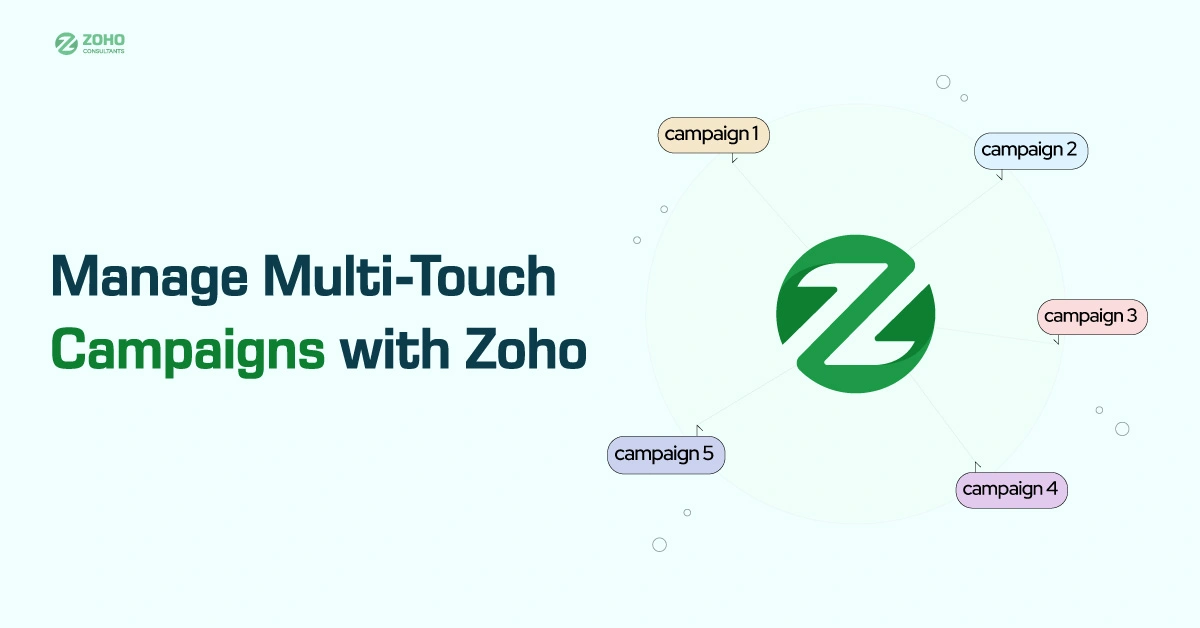
In the marketing world, one email or one ad is never enough. Buyers don’t convert in a single click. They move through a journey filled with emails, social media, forms, retargeting ads, and web interactions before making a decision.
Zoho’s marketing suite gives you the tools to build this journey from start to finish. With Zoho Campaigns, Zoho CRM, Zoho Forms, Zoho PageSense, and Zoho Social, your team can create, manage, and measure powerful multi-touch campaigns without needing to switch between disconnected tools.
Why Multi-Touch Marketing Works?
Buyers rarely convert on their first interaction with your brand. Research indicates that it typically takes at least seven touches for a prospect to be ready to act. These touches can come from an email, a form submission, a LinkedIn ad, or a visit to your website.
Without the right tools, these touchpoints are just scattered interactions. But with Zoho’s unified ecosystem, you can connect every piece of the customer journey into one clear and measurable funnel. That’s what makes multi-touch marketing truly work.

Step One: Capturing Leads with Zoho Forms and Social
Every campaign begins with lead capture. Zoho Forms helps you design branded, responsive forms to collect information on your site, in popups, or on landing pages. These forms directly push data into Zoho CRM, allowing your sales and marketing teams to take immediate action.
If you’re running paid social campaigns, Zoho Social allows you to track performance and connect leads directly from Facebook, Instagram, or LinkedIn ads. This way, even leads coming from outside your site are automatically added to your funnel and tagged with their source.
Step Two: Syncing Leads into Zoho CRM
Once your forms and ads begin pulling in leads, they’re automatically synced with Zoho CRM. This is where organization begins. Leads can be segmented based on their source, product interest, behavior, or demographics. You can assign them to the right sales reps or marketing segments and apply lead scoring to prioritize who’s most likely to convert.
Zoho CRM becomes your campaign command center. With each action a lead takes, their profile is updated. That means your next message, whether it’s an email or an ad, can be even more personalized.
Step Three: Nurturing Leads Through Zoho Campaigns
With leads in your CRM and segmented by behavior or interest, it’s time to engage. Zoho Campaigns makes it easy to build drip email sequences that send targeted messages based on each lead’s actions.
For example, someone who downloaded a whitepaper can receive a follow-up email with a relevant blog post. A few days later, they might get a success story from a customer. If they click through to your pricing page, Zoho Campaigns can alert your sales team and pause the email sequence to initiate a real conversation.
Drip campaigns in Zoho Campaigns are fully customizable, enabling you to tailor every message based on timing, clicks, website visits, and other relevant factors.
Step Four: Analyzing Behavior Using Zoho PageSense
While emails are running in the background, your leads are also interacting with your website. Zoho PageSense helps you understand what users do when they arrive.
With PageSense, you can view heatmaps to see where visitors click, analyze scroll depth to understand how much content gets read, and run A/B tests on landing pages to improve conversion rates. You can also track when visitors abandon a form or hesitate before completing a step, allowing you to make real-time improvements.
Every action taken on your website can be linked back to the lead profile in Zoho CRM. That way, you know if someone just browsed casually or showed serious buying intent.
Step Five: Re-Engaging with Zoho Social
Not all leads convert right away. Some need time or more nurturing. Zoho Social allows you to retarget these leads with social ads or re-engage them with thoughtful, scheduled organic posts.
Because Zoho Social connects directly with Zoho CRM, you can create custom audiences based on specific behaviors. For example, you can target leads who clicked an email but didn’t sign up or those who visited your pricing page but didn’t request a demo.
This re-engagement strategy keeps your brand in front of potential buyers without being overly pushy. And because every action is recorded, you can adjust your messaging based on what works best.
Zoho CRM: Your Full-Funnel Campaign Tracker
Throughout this process, Zoho CRM acts as the backbone of your campaign. It connects every tool and keeps a detailed timeline of each lead’s journey. From the first form submission to the final click on a retargeting ad, you can see exactly how a customer moved through your funnel.
This makes attribution easy. You’ll know which email triggered interest, which ad sealed the deal, and which pages led to drop-offs. That insight helps you optimize future campaigns and spend your budget more effectively.
Why Marketers Love Multi-Touch Campaigns in Zoho?
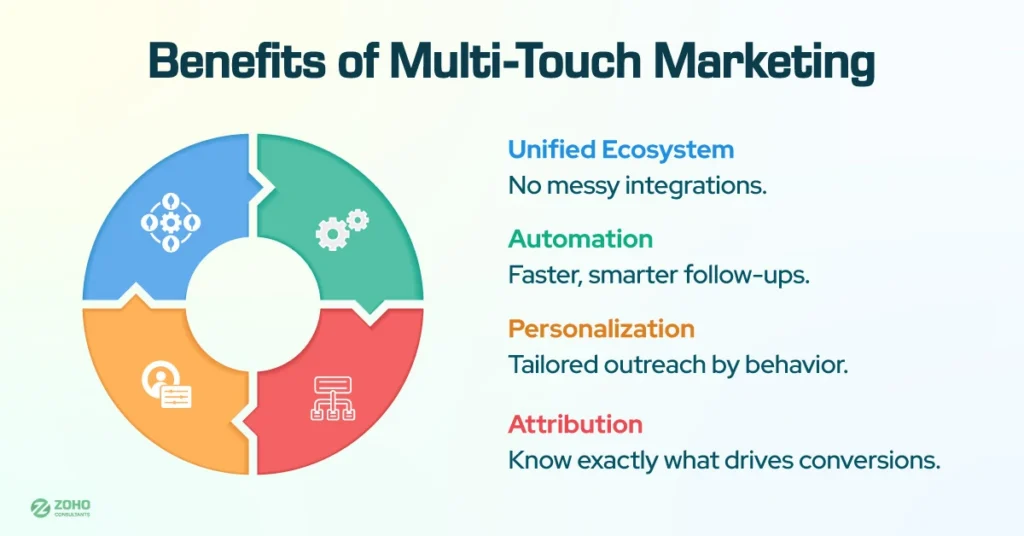
One of the most significant benefits of using Zoho for multi-touch marketing is that everything lives in one ecosystem. There’s no need to juggle five different software tools or worry about messy integrations.
With Zoho, data flows freely between apps. Leads captured in the Forms flow are routed to CRM. Campaigns react to CRM data. PageSense tracks behavior that updates lead profiles and syncs social data to re-engagement results.
You also get real-time reporting, powerful automation, and personalized outreach without needing a developer or a third-party connector.
Tips to Run Better Multi-Touch Campaigns
To get the most out of Zoho’s tools, start by mapping your customer journey. Identify each stage from awareness to conversion, and decide which Zoho tool supports that step.
Start with a simple funnel and build upon it. For example, start with a form that triggers an email sequence. Later, you can add behavior tracking, retargeting, and more complex segmentation as your business grows.
Use CRM scoring to prioritize your most promising leads. Let automation handle follow-ups so you can focus on qualified conversations. And always review your analytics to identify bottlenecks or underperforming touchpoints.
Create Smarter Campaigns with Zoho’s Unified Marketing Stack
Running successful campaigns today takes more than just sending a few emails. You need to connect your entire funnel and meet leads at every step of their journey. Zoho gives you the tools to do just that.
From capturing leads with Forms and Social to nurturing them with Campaigns, analyzing behavior with PageSense, and managing everything inside CRM, Zoho makes full-funnel marketing scalable and straightforward.
When you tie every interaction together, you stop guessing and start growing. That’s the real power of multi-touch marketing inside the Zoho ecosystem.