Growing businesses hit a wall when spreadsheets and scattered email threads can no longer track leads, deals, and customer conversations. Sales reps forget follow-ups, managers lose visibility into the pipeline, and revenue slips through the cracks. Zoho CRM exists to solve exactly this problem, and it does so without the enterprise price tag that pushes most small and mid-sized teams toward cheaper, less capable tools.
This guide walks through what Zoho CRM actually does, how its sales software components work together, what it costs, and how to decide whether it fits your business. By the end, you’ll understand the platform well enough to evaluate it confidently rather than guessing from a feature list.
What is Zoho CRM and Who is It For?
Zoho CRM is a cloud-based customer relationship management platform that centralizes your leads, contacts, deals, and customer communication in one system. It captures every interaction, including calls, emails, meetings, and website visits, and ties them to a single customer record, so your team always works from the same accurate picture.
The platform serves a wide range of businesses, but it fits growing companies particularly well. Startups appreciate the generous free tier and low entry cost. Mid-sized sales teams value the automation and analytics that scale with headcount. Service businesses, agencies, manufacturers, real estate firms, and e-commerce operations all run on Zoho CRM because it adapts to different sales processes rather than forcing one rigid workflow.

What separates Zoho from competitors like Salesforce and HubSpot is the combination of depth and affordability. You get genuine enterprise features, including workflow automation, custom modules, AI-driven predictions, and deep reporting, at a fraction of the cost. For teams that have outgrown free tools but can’t justify Salesforce’s pricing and implementation overhead, Zoho occupies a sweet spot.
Core Features of Zoho CRM Sales Software
Zoho CRM bundles a set of tools that cover the full sales cycle, from the first touch to the closed deal and beyond. Understanding each component helps you see how the pieces fit together.
Lead and Contact Management
Lead and contact management forms the foundation of the platform. Zoho captures leads automatically from web forms, email, social media, and live chat, then routes them to the right rep based on rules you define. Each contact record stores the complete history of every interaction, which means a rep picking up a conversation never has to ask the customer to repeat themselves. Lead scoring ranks prospects by how likely they are to convert, so your team spends time on the opportunities that matter most.
Deal and Pipeline Tracking
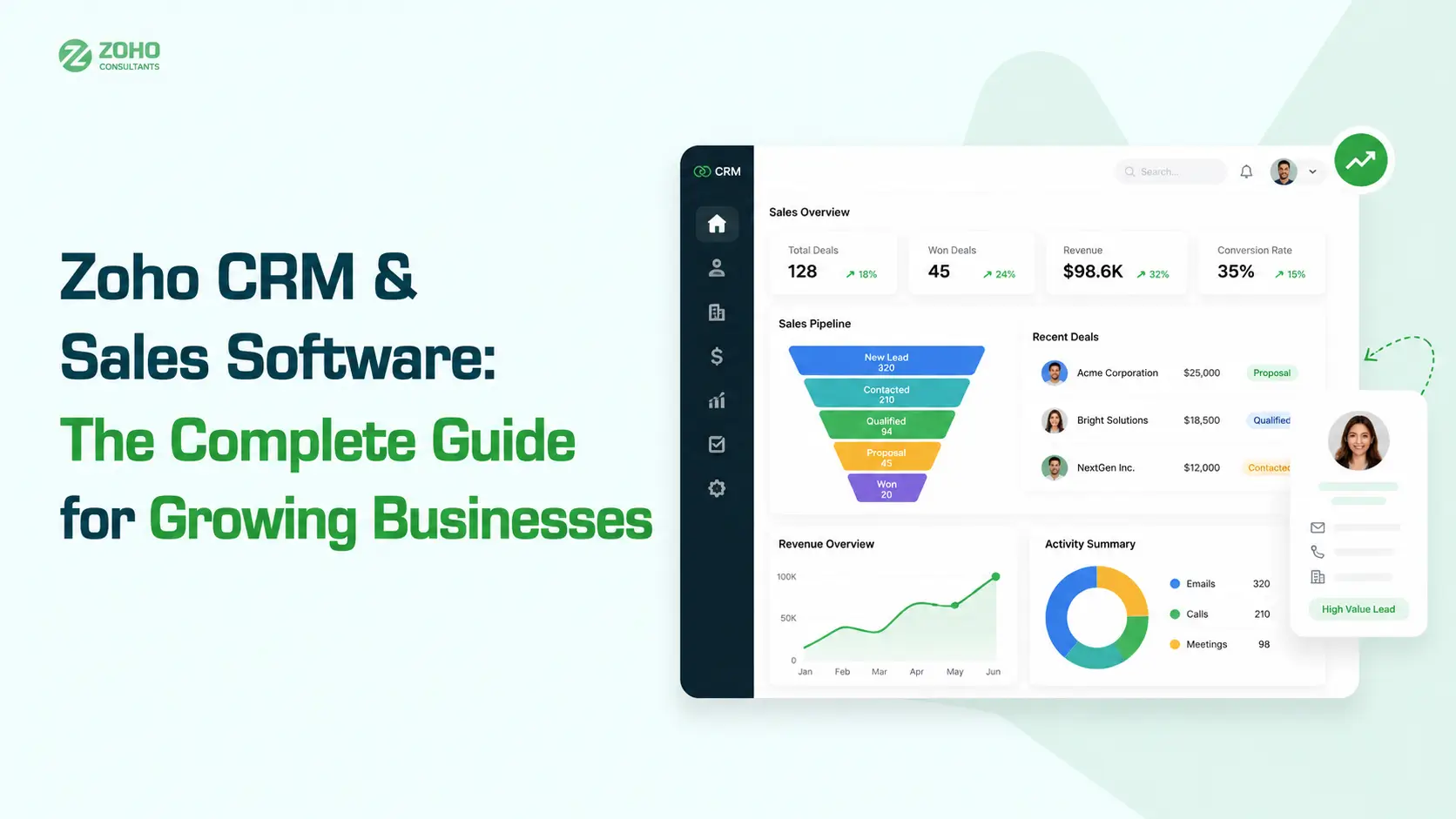
Deal and pipeline tracking gives managers the visibility that spreadsheets never could. You build custom pipeline stages that mirror your actual sales process, drag deals between stages as they progress, and forecast revenue based on weighted probabilities. Multiple pipelines let you run different sales motions, such as new business versus renewals, side by side without confusion.
Sales Automation and Workflows
Sales automation removes the repetitive work that drains rep productivity. Workflow rules trigger actions automatically: assign a lead, send a follow-up email, update a field, or create a task when specific conditions are met. Blueprint, Zoho’s process-enforcement tool, guides reps through each stage of a deal and ensures no required step gets skipped. This consistency matters enormously as a team grows, because it bakes your best practices into the system instead of relying on memory.
Zia, Zoho’s AI Assistant
Zia is Zoho’s built-in artificial intelligence layer, and it does more than most teams expect. Zia predicts which deals are likely to close, flags anomalies in your sales activity, suggests the best time to contact a prospect, and even detects when a lead is going cold. For data-heavy sales operations, these predictions turn raw activity into actionable signals.
Reporting and Analytics
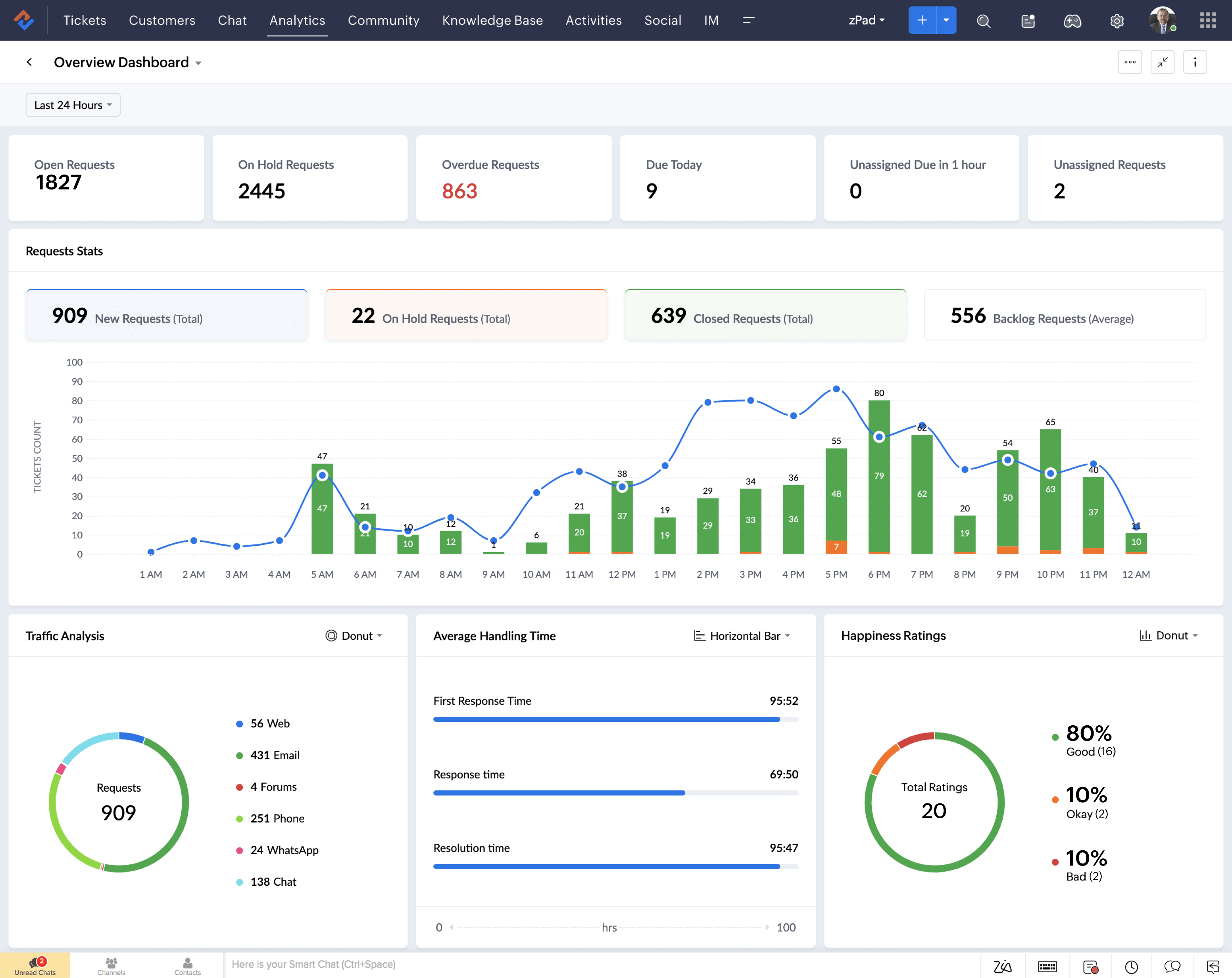
Reporting and analytics close the loop. Zoho ships with pre-built dashboards covering pipeline health, rep performance, and conversion rates, and it lets you build custom reports on any data point you track. Real-time analytics mean managers make decisions based on what’s happening now, not last month’s snapshot.
How Zoho CRM Helps Growing Businesses Scale
The reason Zoho CRM suits growth-stage companies comes down to one principle: the system absorbs complexity so your team doesn’t have to. As you add reps, expand into new territories, or launch new product lines, the platform scales with you rather than breaking under the load.
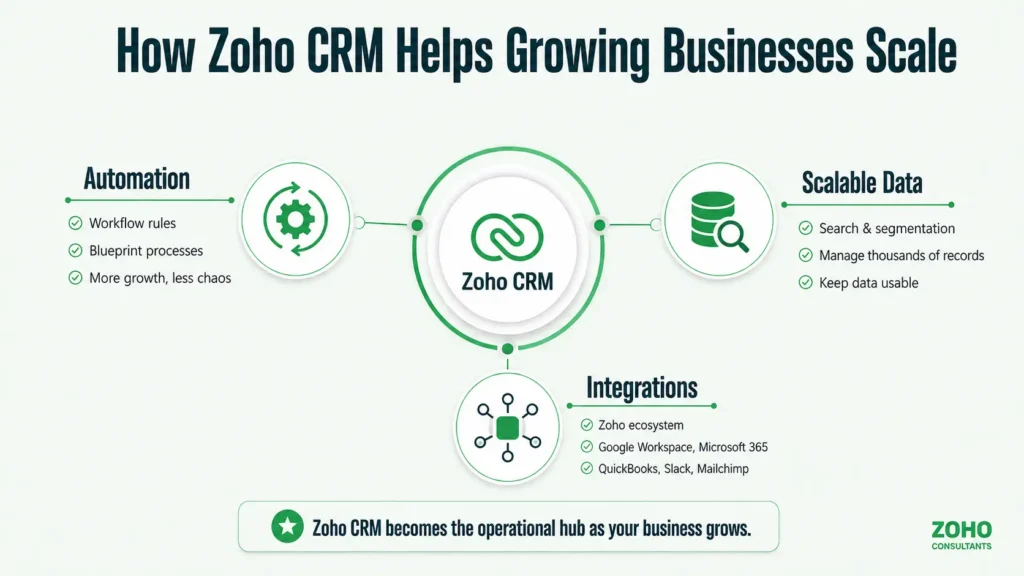
Automation is the clearest example. A five-person team can manage follow-ups manually, but a twenty-person team cannot. Zoho’s workflow rules and Blueprint processes mean that doubling your headcount doesn’t double the chaos. The same logic applies to data. As your contact database grows from hundreds to tens of thousands of records, Zoho’s search, segmentation, and filtering keep that information usable instead of overwhelming.
Integration is the second growth lever. Zoho CRM connects to the broader Zoho ecosystem, including Zoho Books for accounting, Zoho Desk for support, and Zoho Campaigns for email marketing, along with dozens more. It also integrates with external tools like Google Workspace, Microsoft 365, Mailchimp, QuickBooks, and Slack. This connectivity means your CRM becomes the hub of your operations rather than another isolated silo your team has to check separately.
Zoho CRM Pricing and Plans
Zoho CRM uses a tiered pricing model that lets businesses start small and upgrade as needs grow. Pricing typically ranges from a free plan for up to three users, through Standard, Professional, Enterprise, and Ultimate tiers, with per-user monthly costs that remain well below comparable Salesforce editions. Because pricing and plan features change periodically, confirm current rates directly on Zoho’s official pricing page before budgeting.
The free plan covers basic lead and contact management and suits very small teams testing the waters. The Standard tier adds scoring rules, custom dashboards, and more automation. Professional introduces inventory management and process automation through Blueprint. Enterprise unlocks Zia’s AI capabilities, advanced customization, and multi-user portals. Ultimate adds enhanced analytics and the highest feature limits.
| Plan | Best For | Key Features | AI (Zia) |
| Free | Solo founders, micro teams (up to 3 users) | Lead and contact management, deals, basic tasks | Not included |
| Standard | Small teams formalizing their process | Scoring rules, custom dashboards, multiple pipelines, basic automation | Not included |
| Professional | Growing teams needing process control | Blueprint automation, inventory management, validation rules | Limited |
| Enterprise | Scaling sales operations | Advanced customization, multi-user portals, territory management | Full Zia AI |
| Ultimate | Data-driven mid-market teams | Enhanced analytics, highest feature limits, advanced BI | Full Zia AI |
Why Work With a Certified Zoho Consultant
Zoho CRM is powerful, and that power comes with configuration choices that determine whether the platform delivers value or becomes a source of frustration. Setting up pipelines, automation rules, custom modules, and integrations correctly the first time saves months of rework. This is where a certified Zoho consultant earns their fee many times over.
A skilled consultant maps your existing sales process before touching the software, then configures Zoho to match how your team actually works rather than forcing your team to adapt to a generic template. They handle data migration cleanly, build automation that reflects your real workflows, train your staff, and connect Zoho to the other tools in your stack. For businesses without an in-house CRM specialist, expert implementation is the difference between adoption and abandonment.
Ready to set up Zoho CRM the right way?
Partner with the certified experts at Zoho Consultants →
Getting the Most From Your Zoho Investment
Buying Zoho CRM is the easy part. Extracting full value from it requires ongoing attention, including refining automation as your process evolves, training new hires properly, cleaning your data regularly, and building reports that actually drive decisions. Many businesses license the platform and use perhaps a third of its capability, leaving real ROI on the table.
The teams that win with Zoho treat it as a living system. They review their pipeline configuration quarterly, retire automation that no longer fits, and continuously test Zia’s predictions against real outcomes. They also lean on expert guidance when they hit the edges of their own knowledge rather than struggling through complex customizations alone. A trusted implementation partner doesn’t just set up the system. They help you keep improving it as your business changes.
Want a Zoho setup that actually grows with your business?